Relatedly, if you want to impress people with the ability to "read binary", and you know that something is plain ASCII text represented in binary, just look at the rightmost 5 bits of every byte. They will be the ordinal position of the letter.
"Hello" is
01001000 8 (h)
01100101 5 (e)
01101100 12 (l)
01101100 12 (l)
01101111 15 (o)
And when you see all zeroes, it's probably 00100000, the space character.
I did a talk at the DocklandsLJC on the history of Unicode, and covered the reason for the bit patterns in ASCII. The video was recorded and is available at
I deliberately wrote the "h" in lowercase, even though the ASCII character is uppercase, because I was advising looking only at the five least-significant bits, which won't tell you the case. Sorry for the confusion.
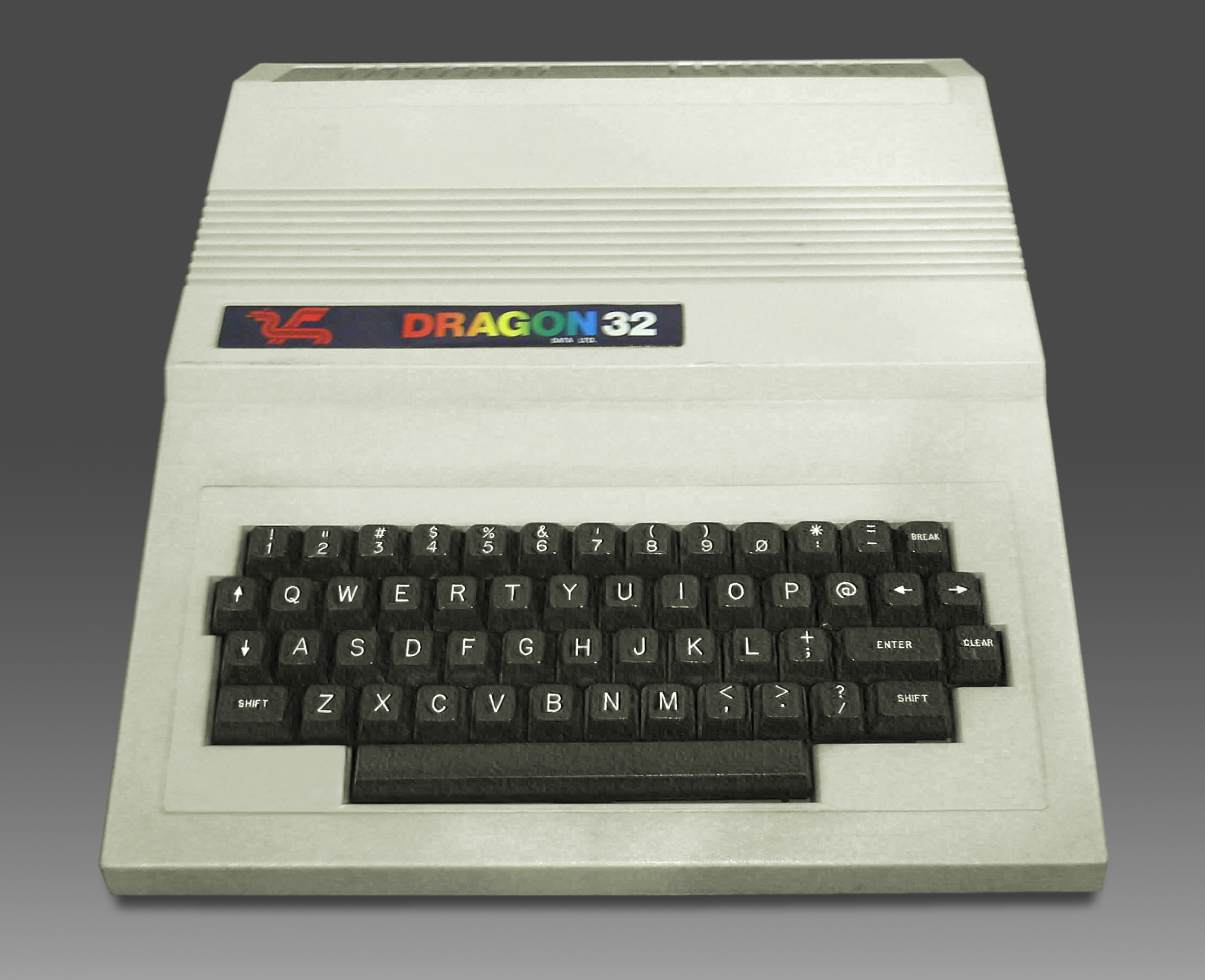
I see ![1] at 21, #[3] at 23, $[4] at 24, %[5] at 25, and that's all that literally match.
&[7] at 26, ([9] at 28, and )[0] at 29 are off by one in their current QWERTY keyboard positions. If we didn't have ^ and * where they are, then &, (, and ) would be in the right places to continue your pattern.
@, ^, and * don't fit the pattern at all.
I should also have mentioned this amazingly scholarly piece by Tom Jennings, that explains probably everything there is to know about where everything we've been talking about came from:


Uppercase letters are 0x40 + position of the letter in the alphabet, so "E", being the 5th letter, is 45, "I", being the 9th letter, is 49, and so on.
Lowercase letters are 0x60 + position of the letter in the alphabet, so "e" is 65, "i" is 69, and so on.
That also means that you can swap case by flipping a single bit (XOR with 0x20).
Finally, digits are 0x30 + the digit's numeric value (including 0), so the digit "5" is 35.
(All of these properties were very intentional on the part of ASCII's creators.)